Ross Waycaster
Staff Software Engineer

AI Side Projects

AI has shaped the way I build and prototype. I’m having a lot of fun exploring what I can build and the problems I can solve. Here are some projects that I’ve been working on in my free time!

Wardrobe Studio

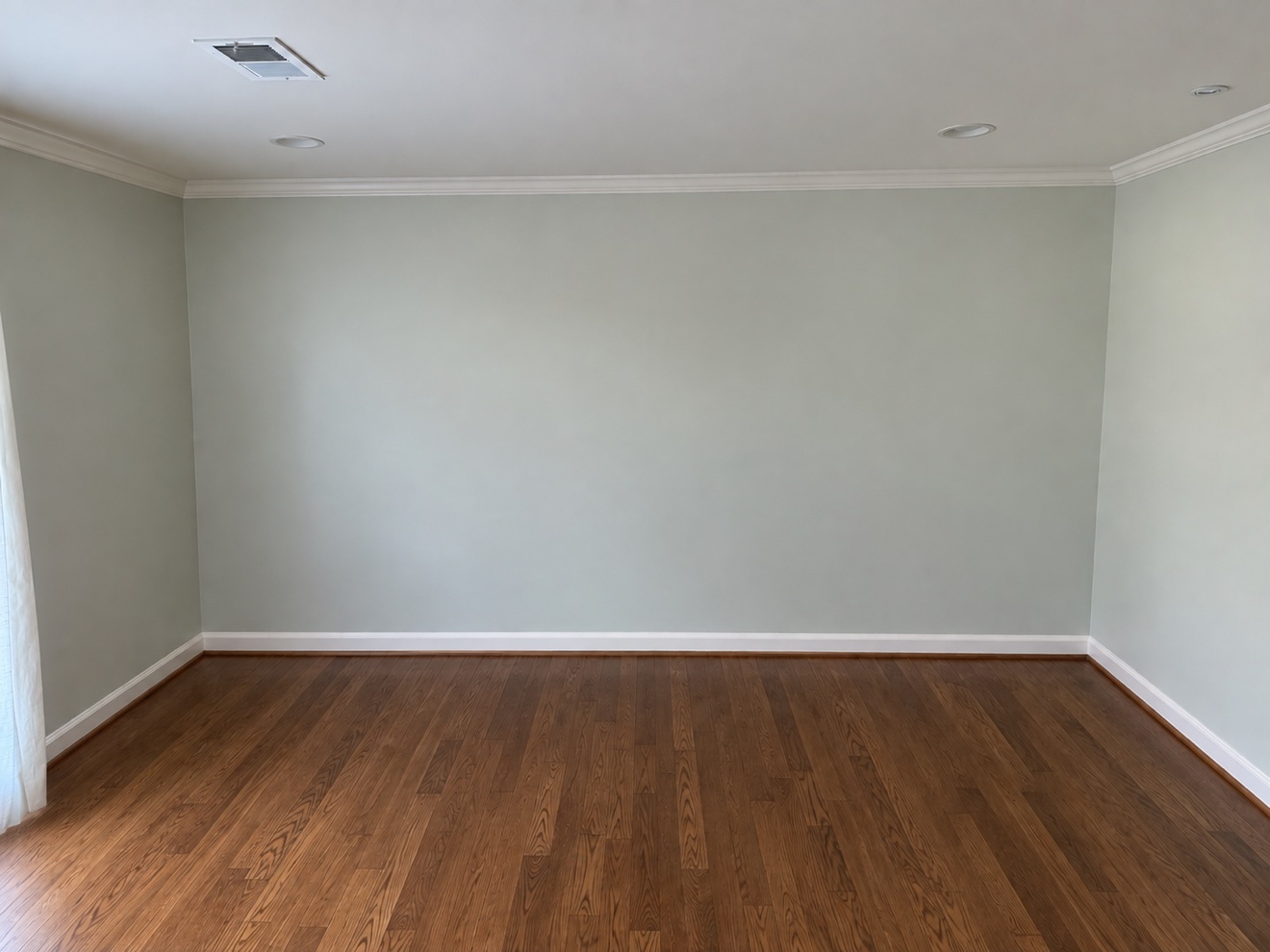
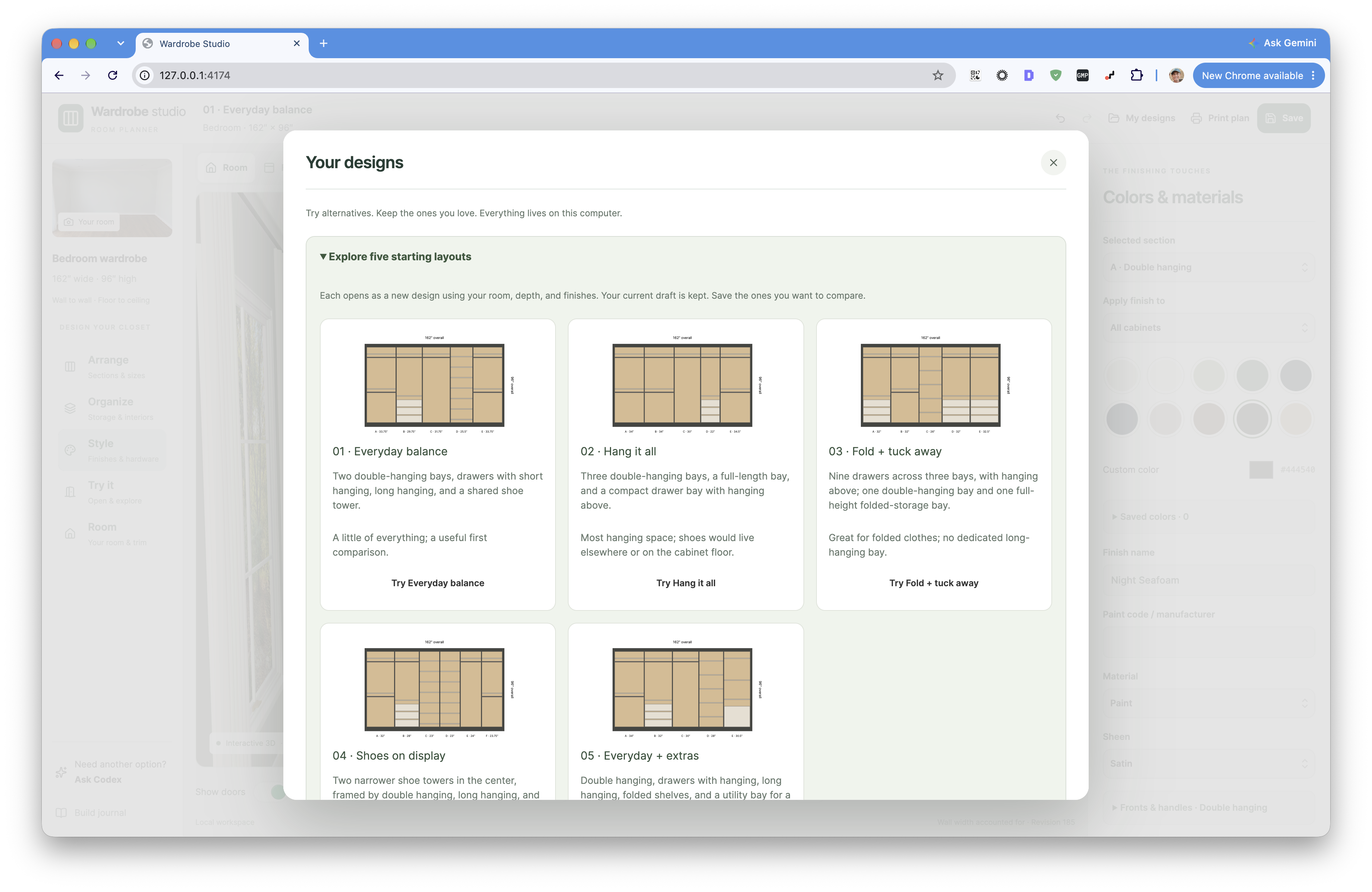
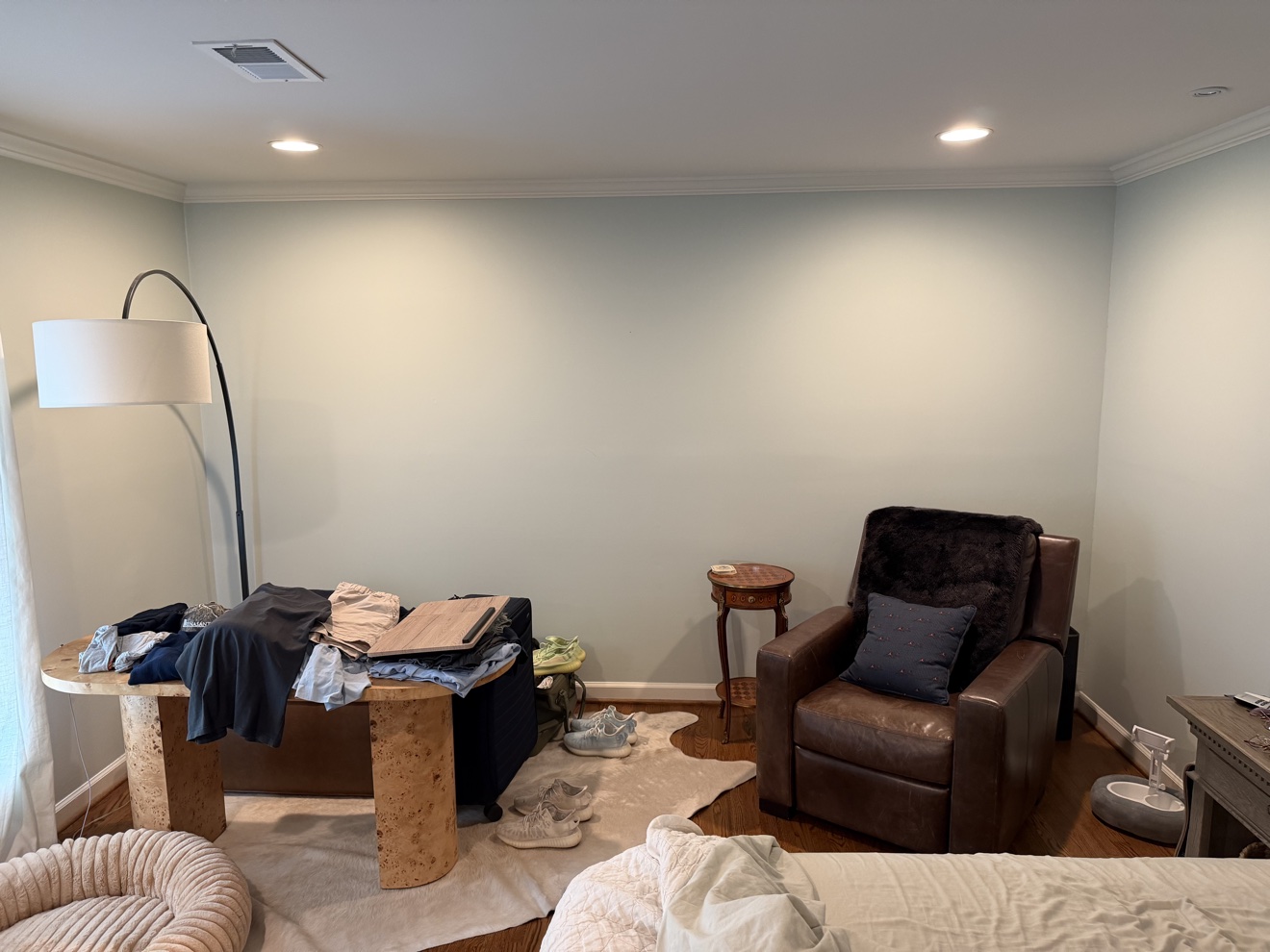
Colton and I bought a house in Nashville earlier this year. Our bedroom is big, but we need more closet space, so we’re planning to have a contractor build a wardrobe across one wall. We want doors, shelves, hanging rods, and places for shoes. Before asking someone to build it, I wanted us to be able to try different layouts and see how they would look in our room.

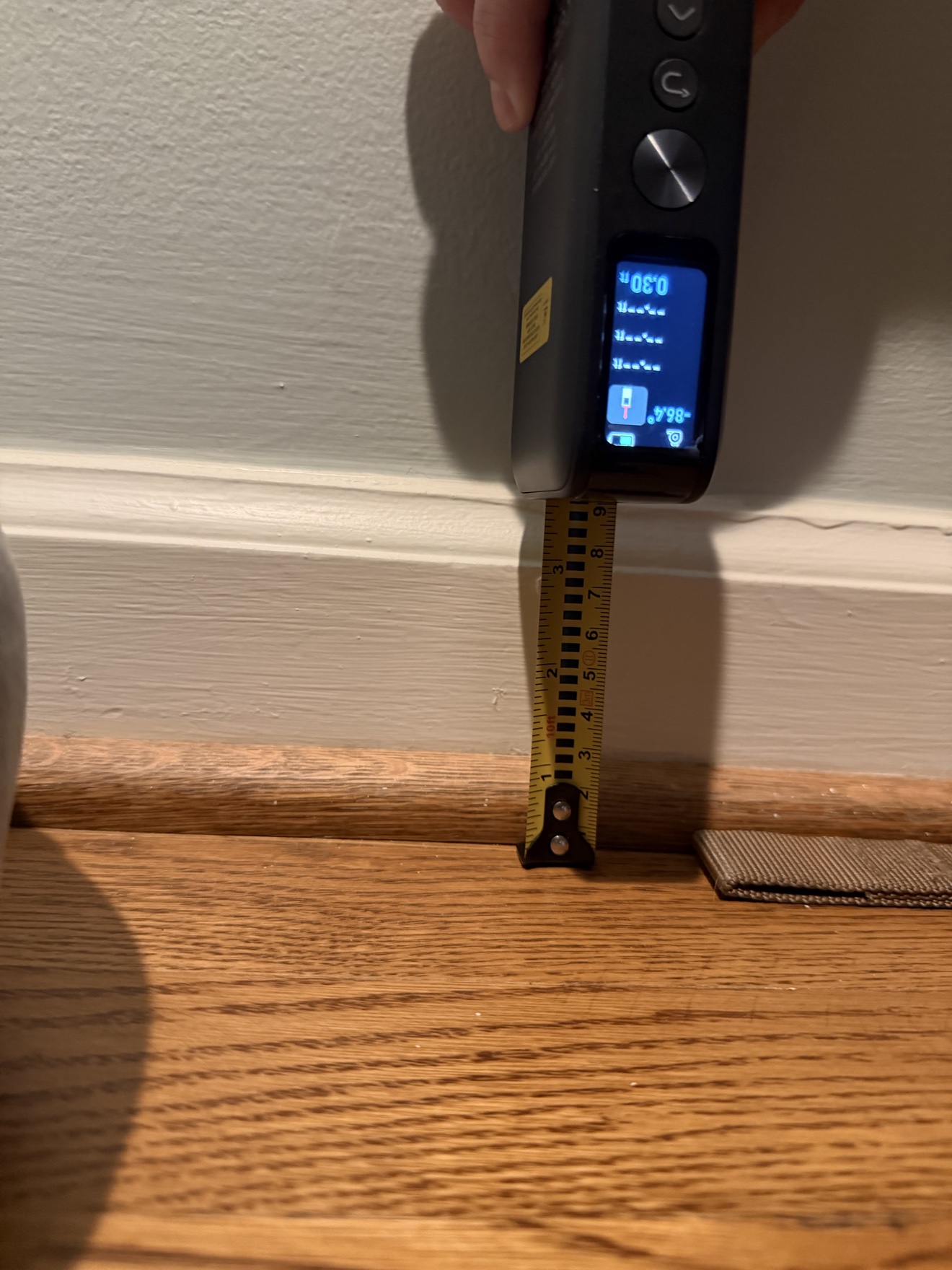
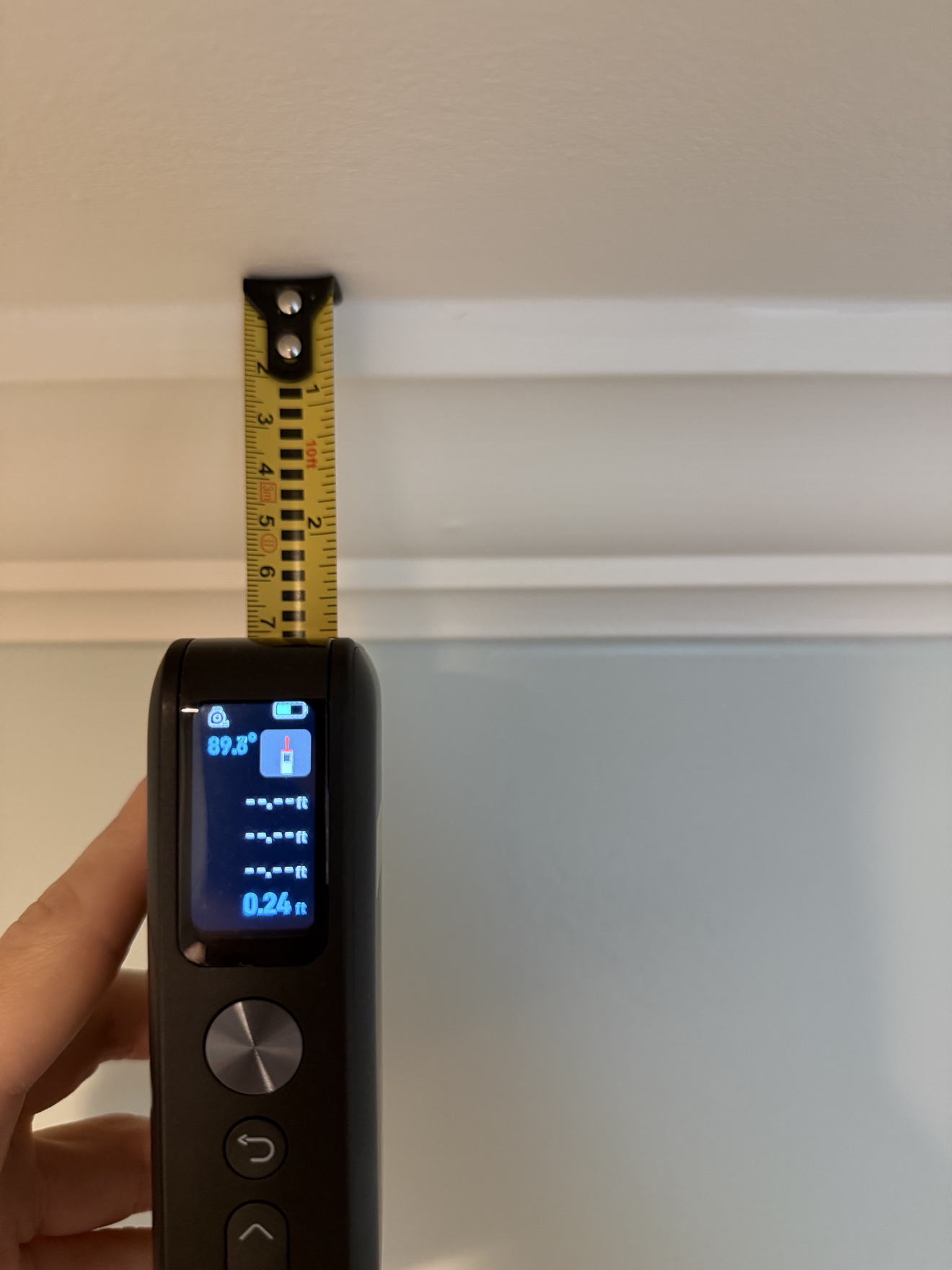
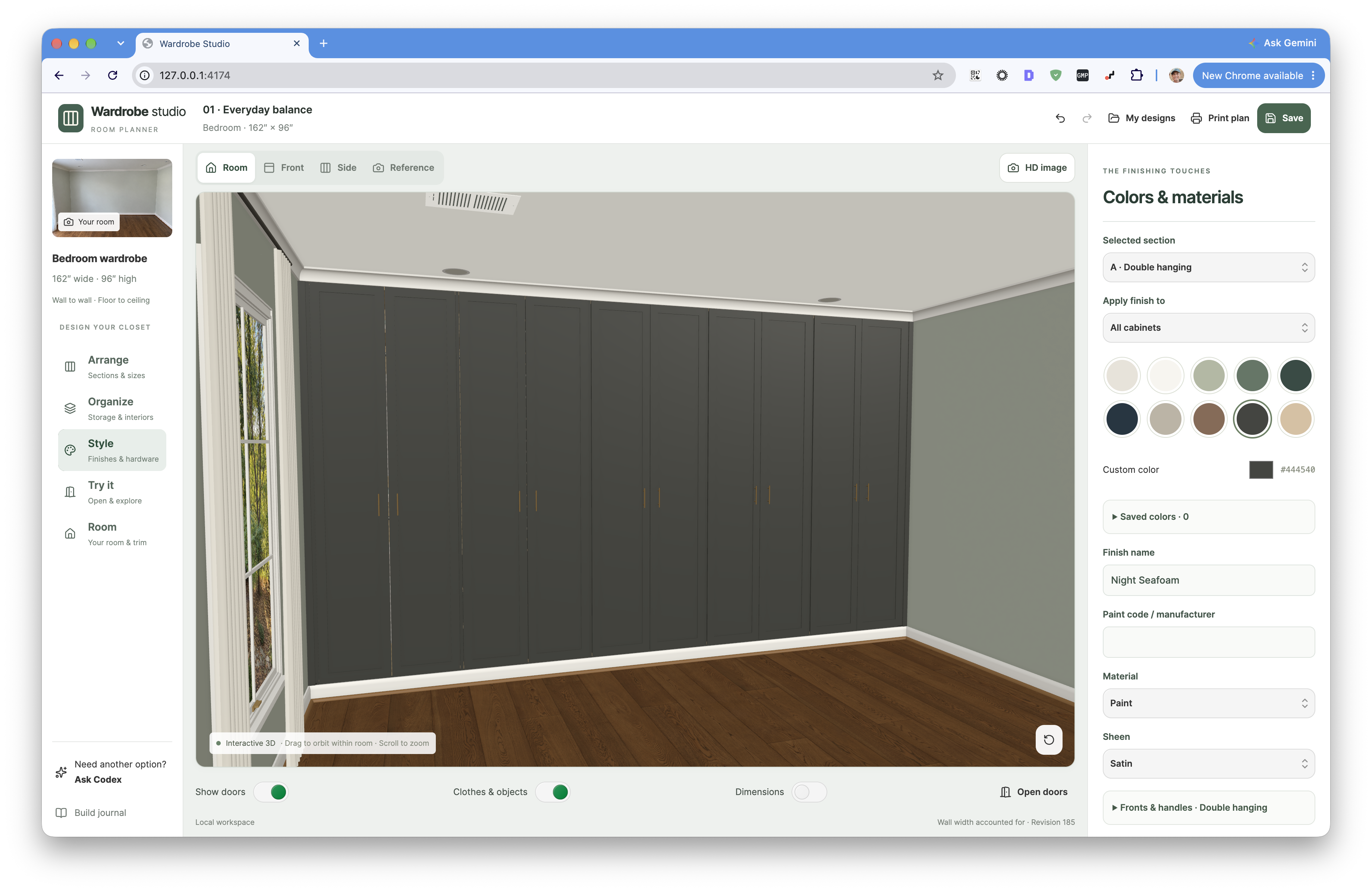
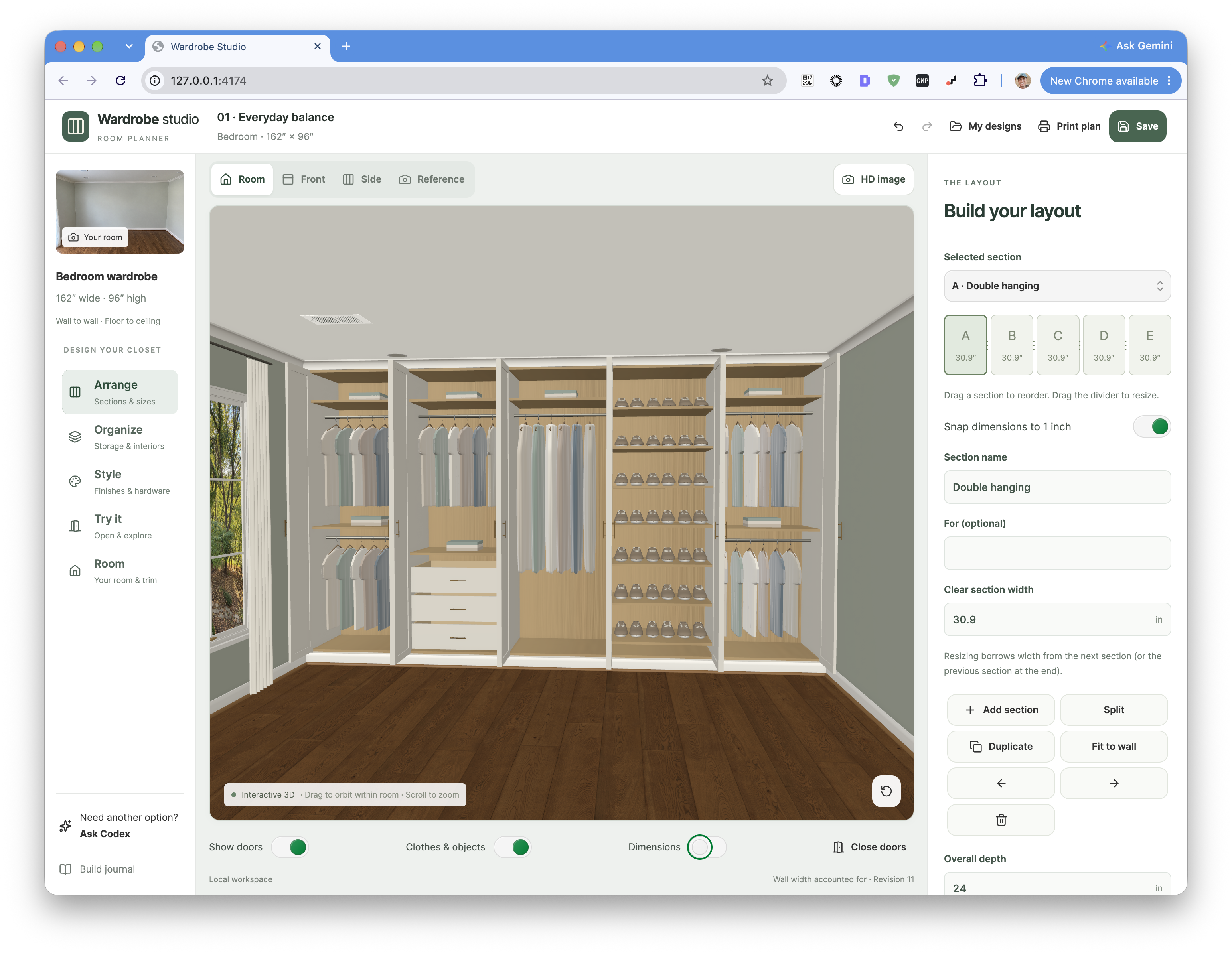
I photographed and measured the bedroom, then asked Codex to build a 3D configurator using those measurements. I also connected it to Blender through MCP to create the 3D objects. The app shows our bedroom and the wardrobe together, and we can change the number of sections or move rods, shelves, and drawers around in real time. We can save multiple configurations while we work out what we want.

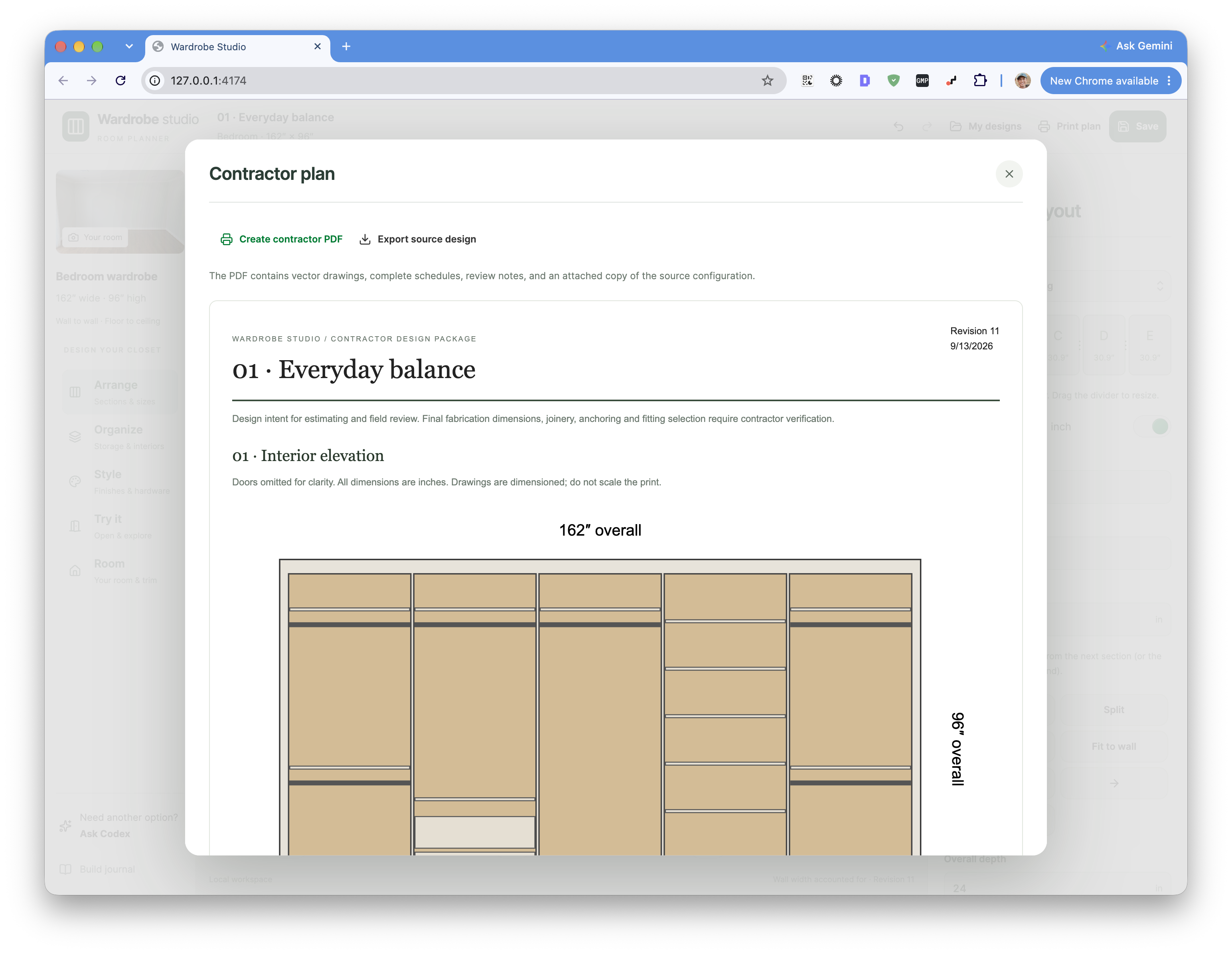
Once we’ve settled on a design, the app can export a PDF spec sheet for the contractor with the measurements, placements, and hardware we’ve chosen. I also added a way to provide a photo of a knob we found online, have it modeled in Blender, and bring it into the app. That lets us see the hardware on the wardrobe and include it in the specs!
CodexBlenderMCP3DReact

The wardrobe configurator

1 / 8

Trace: Pen Plotter Art

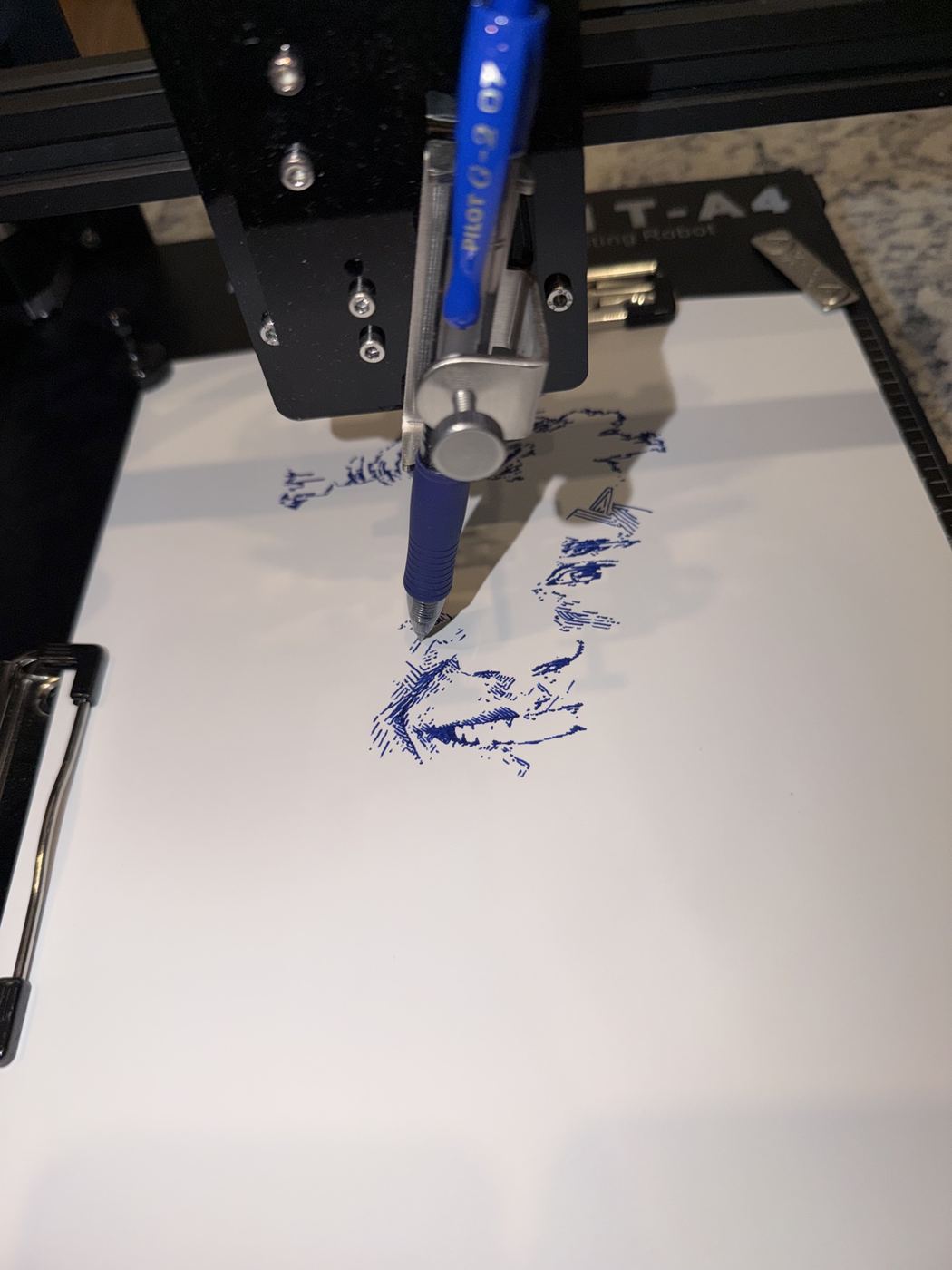
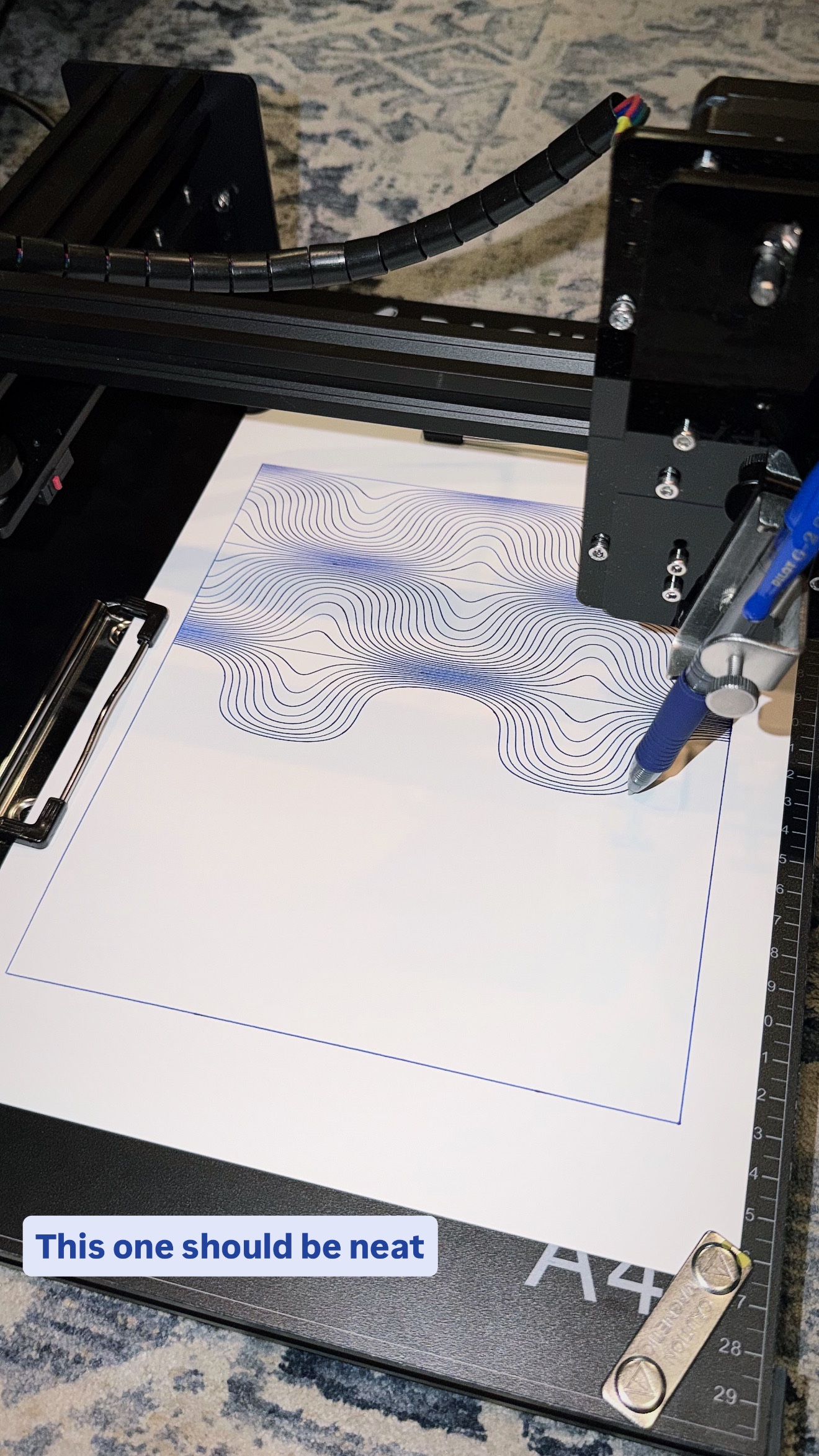
The pen plotter I bought wasn’t supposed to work with a Mac. I plugged it into mine anyway and asked Codex to figure out how to communicate with it. It worked out how to send commands to the machine, which gave me a way to start building my own software for it!

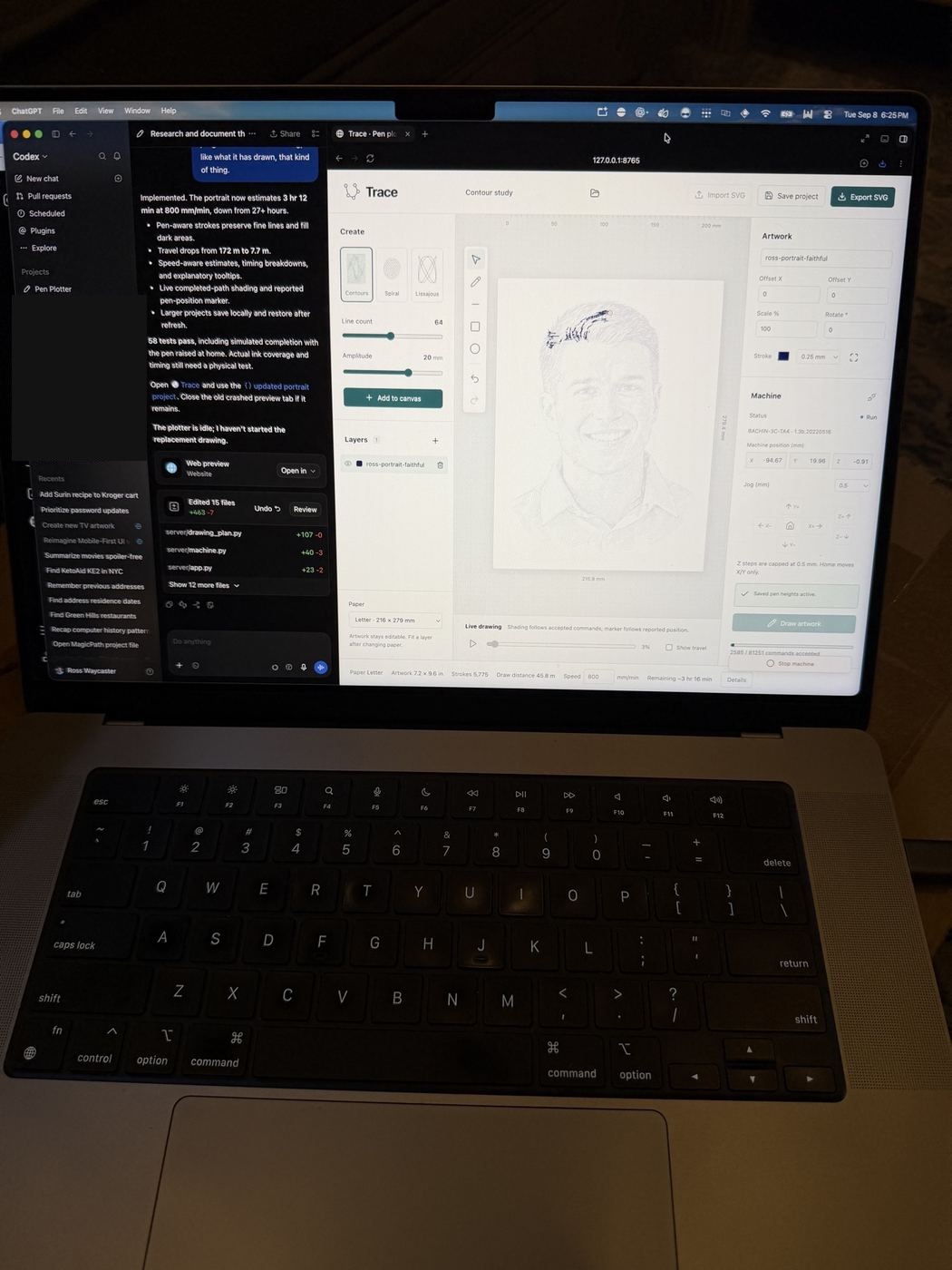
I then asked Codex to build a React app that could take an SVG and turn it into commands for the plotter. A Node server runs in the background and sends those commands to the machine. That became Trace, the app I use to prepare drawings and send them to the plotter from my Mac.

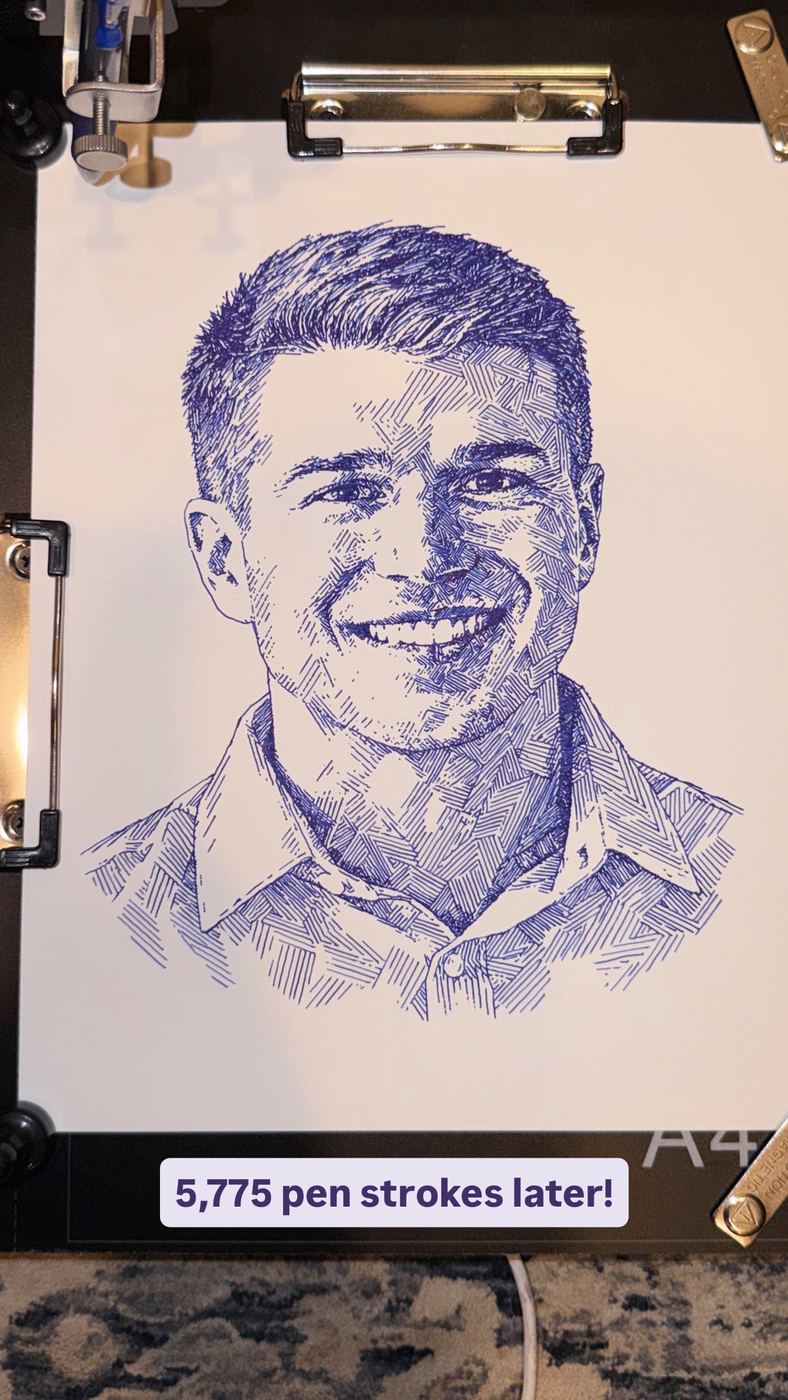
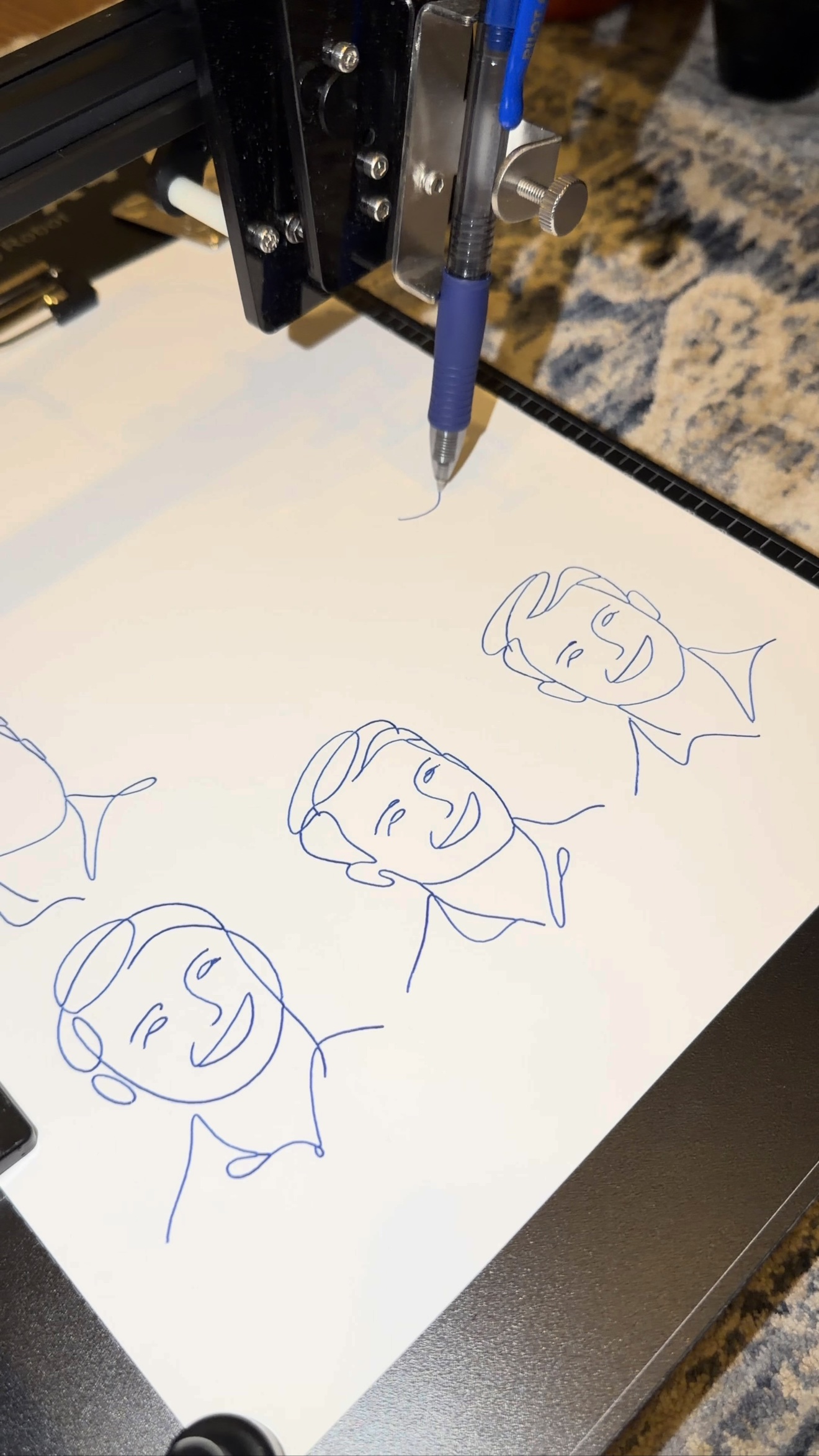
I’ve used it for waves, continuous-line faces, and a crosshatch portrait. The portrait took 5,775 strokes and two hours to draw. The photos below show the finished drawing, the plotter working through it, and the app on my laptop.

CodexReactNodePen plotterGenerative art

5,775 pen strokes and two hours later!

1 / 5

Dyslexia-Friendly Document Converter

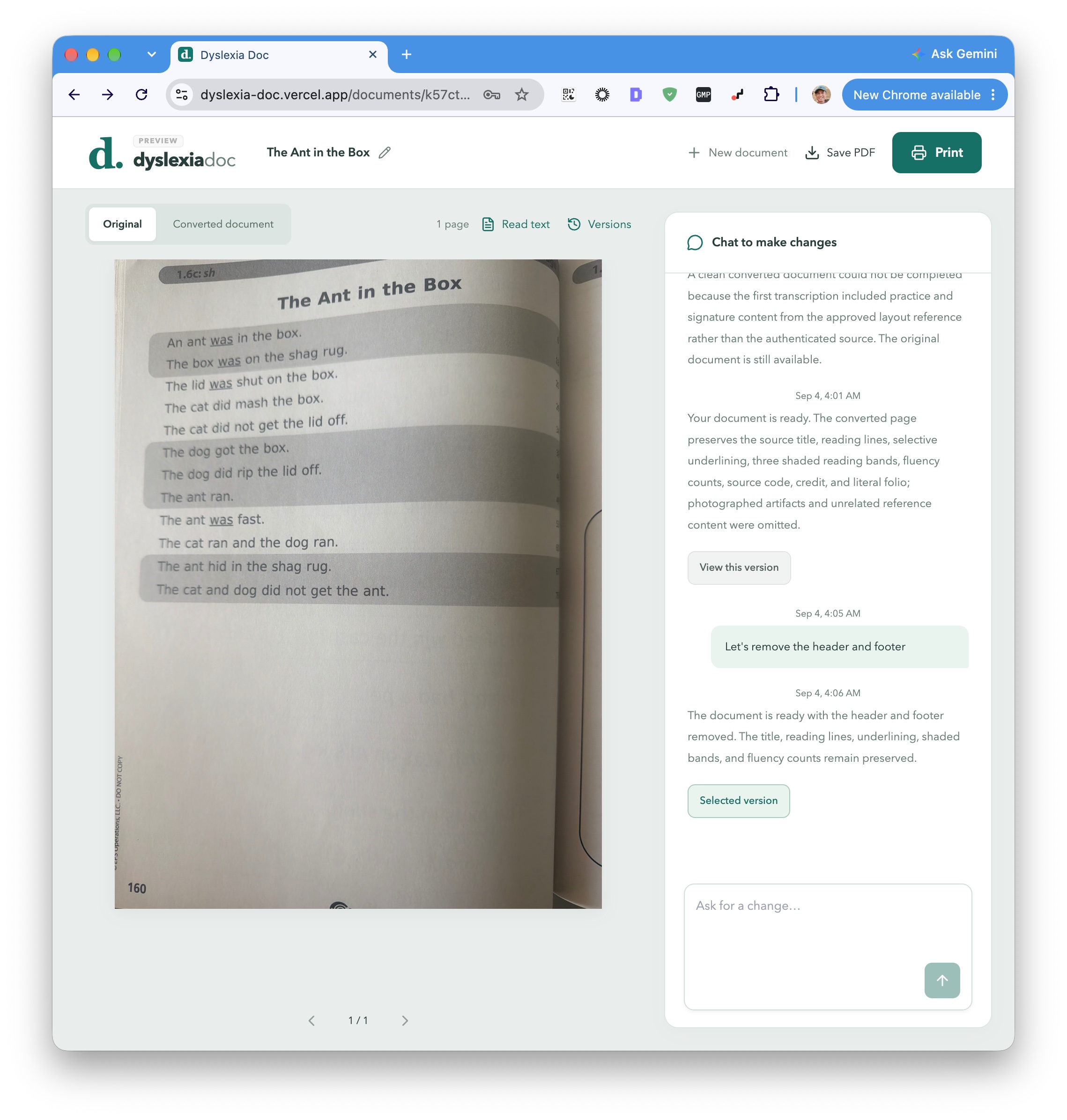
A longtime friend of mine in Mississippi is a speech pathologist at an elementary school. She works with dyslexic children across different ages, helping them with their classwork and homework. The materials they bring her often aren’t formatted with dyslexic readers in mind, so she asked whether AI could help her adapt them.

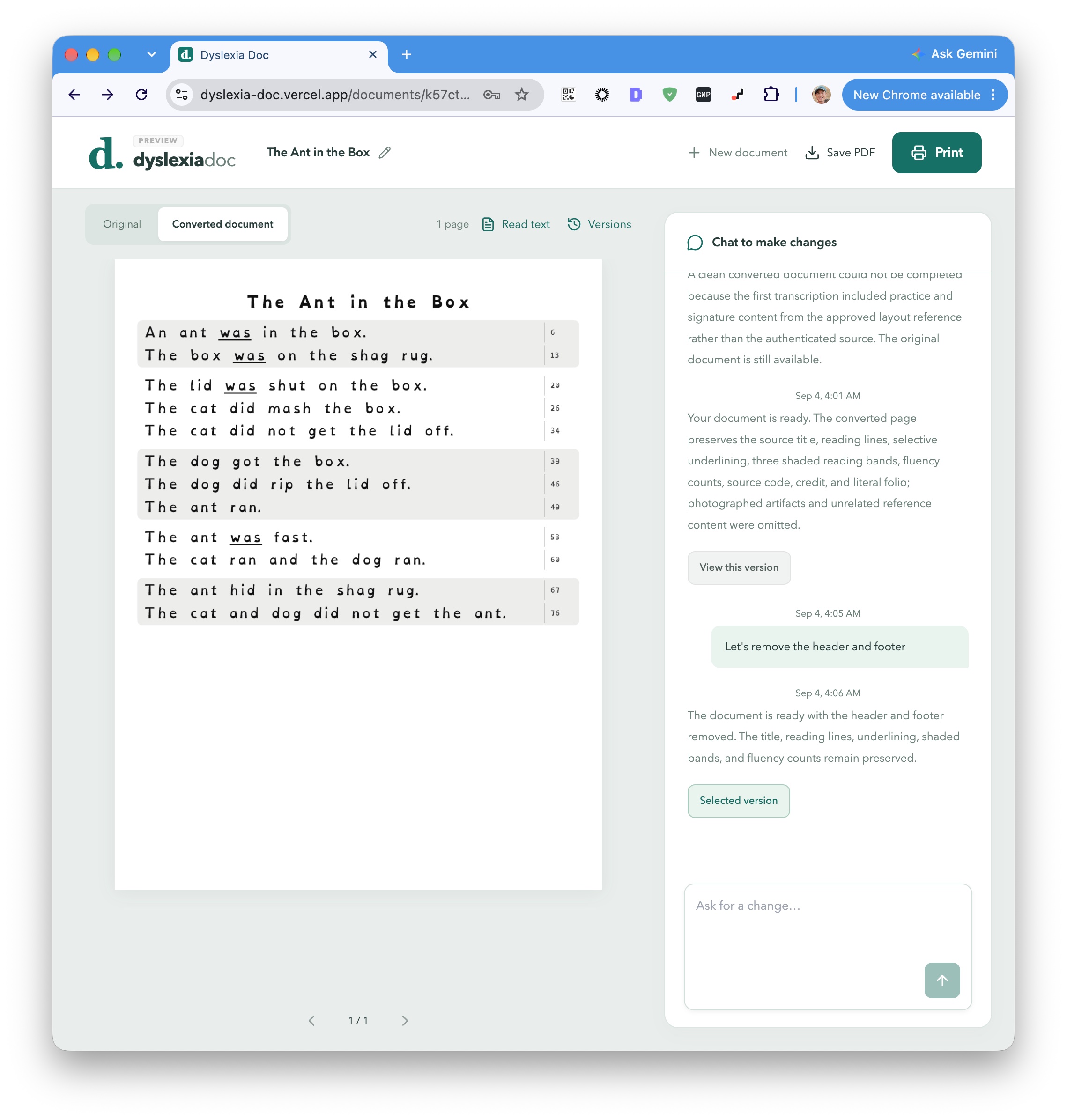
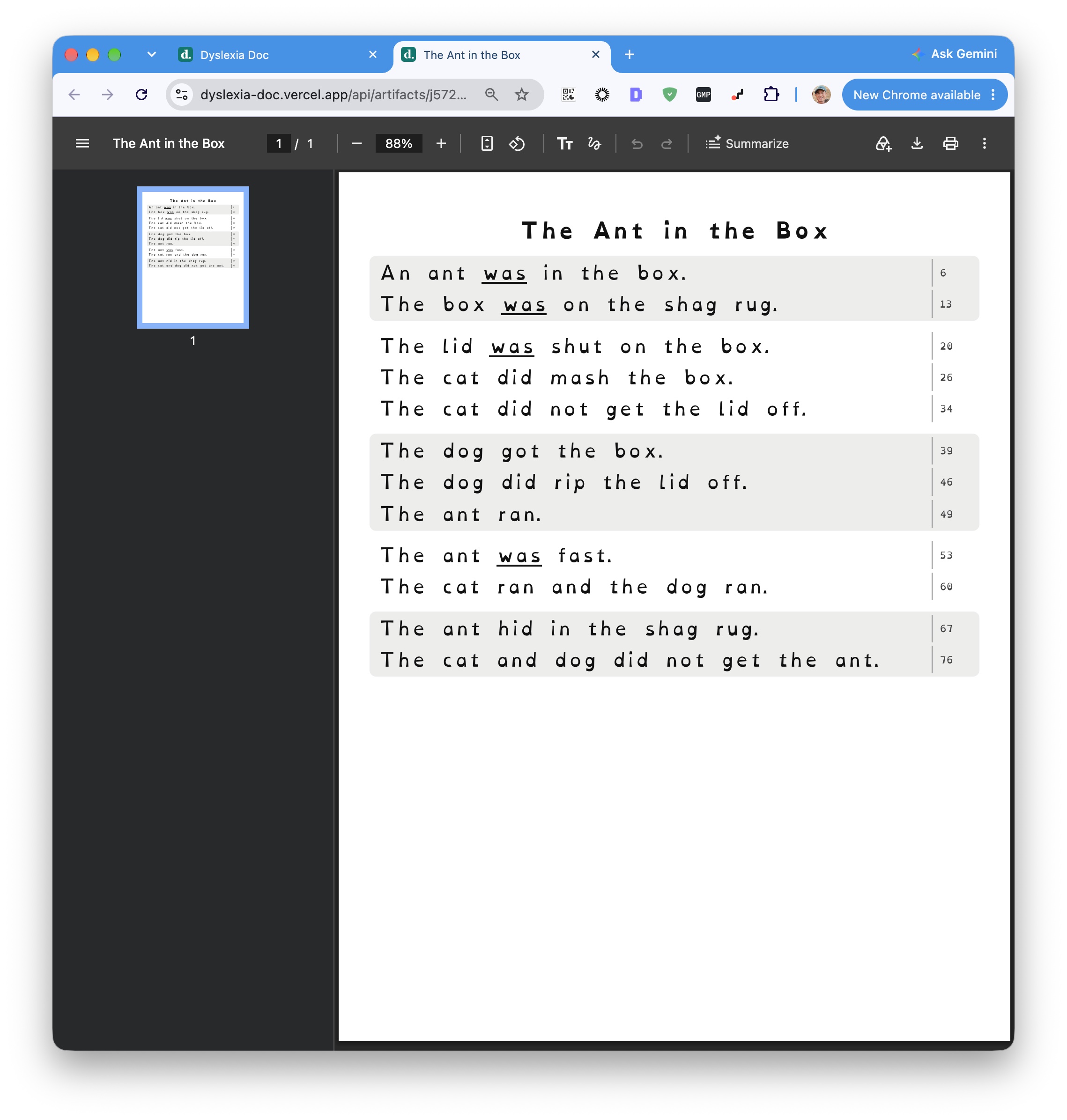
I built an app where she can take a photo or upload an image or PDF, including documents with multiple pages. The agent has its own sandbox and tools for creating PDFs. It uses those to rebuild the document with fonts, spacing, and layouts intended to make it easier for her students to read, including how the text is arranged on the page.

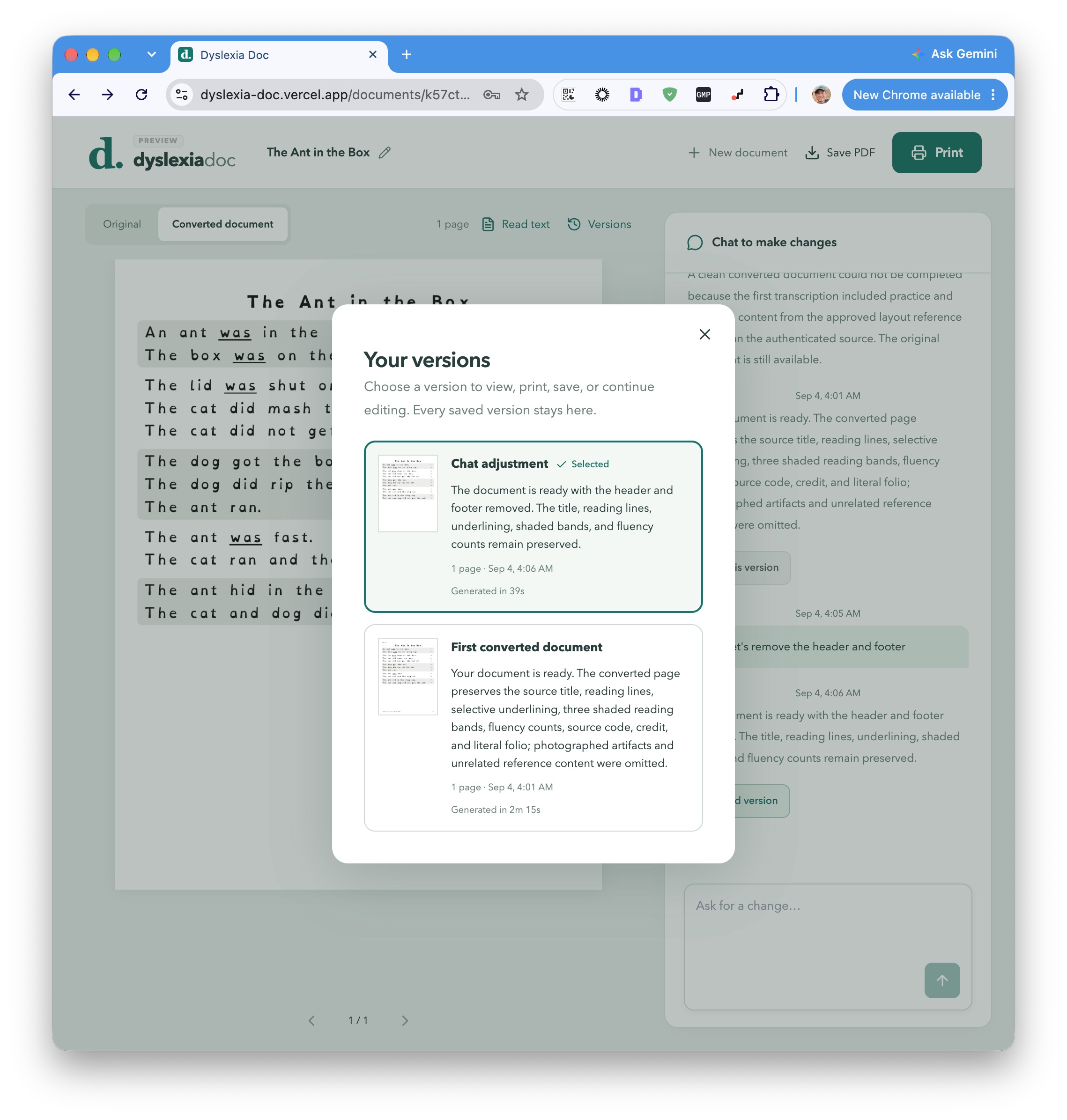
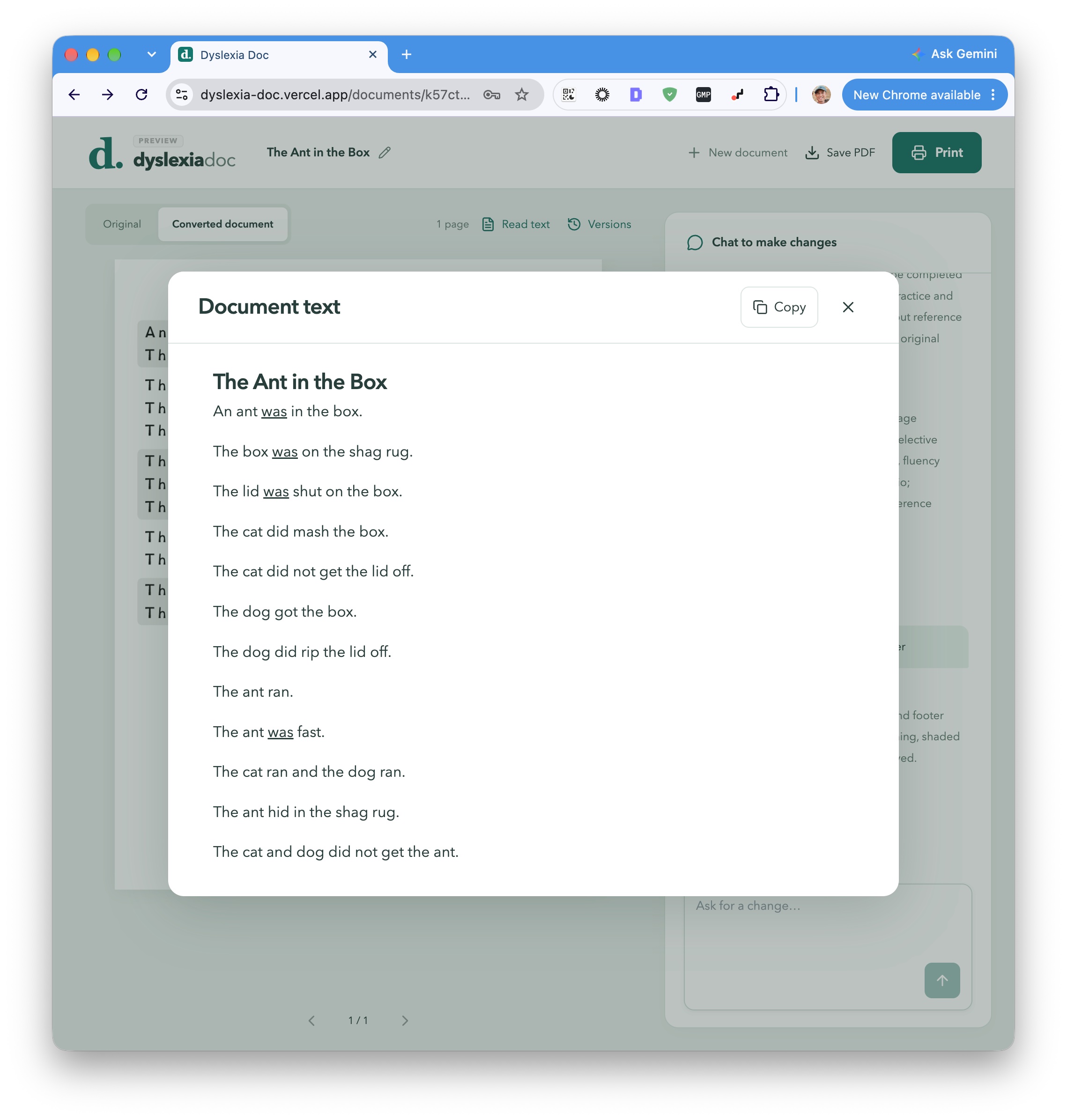
She gets a new PDF to review, and she can keep working on it through chat. If she wants something changed, the agent goes back into its sandbox, edits the document, and shows her the updated PDF. That gives her a way to adjust the result for the material she’s working with.

AI agentsPDF generationAccessibility

A worksheet reformatted for dyslexic readers

1 / 5

Family Frame

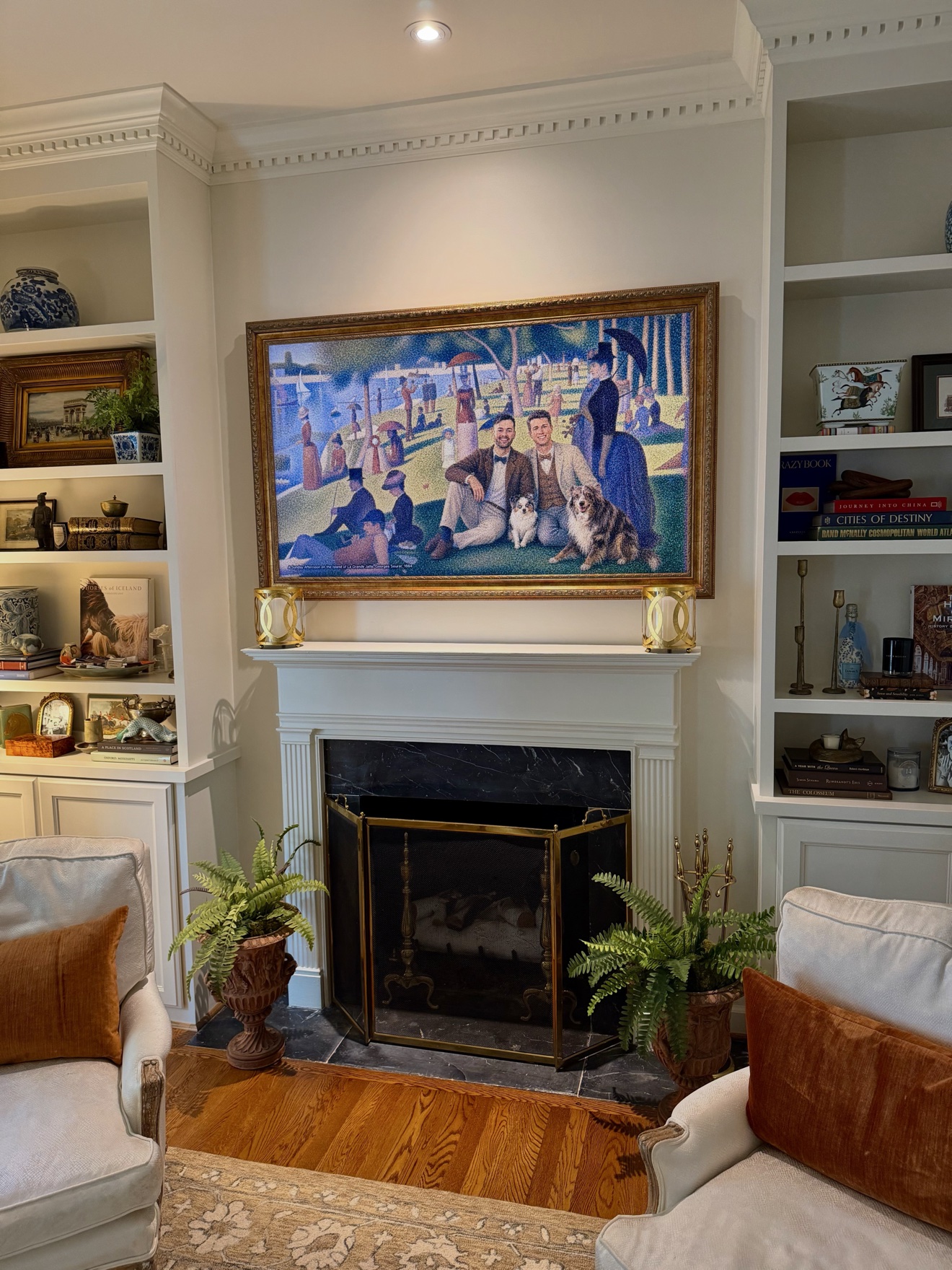
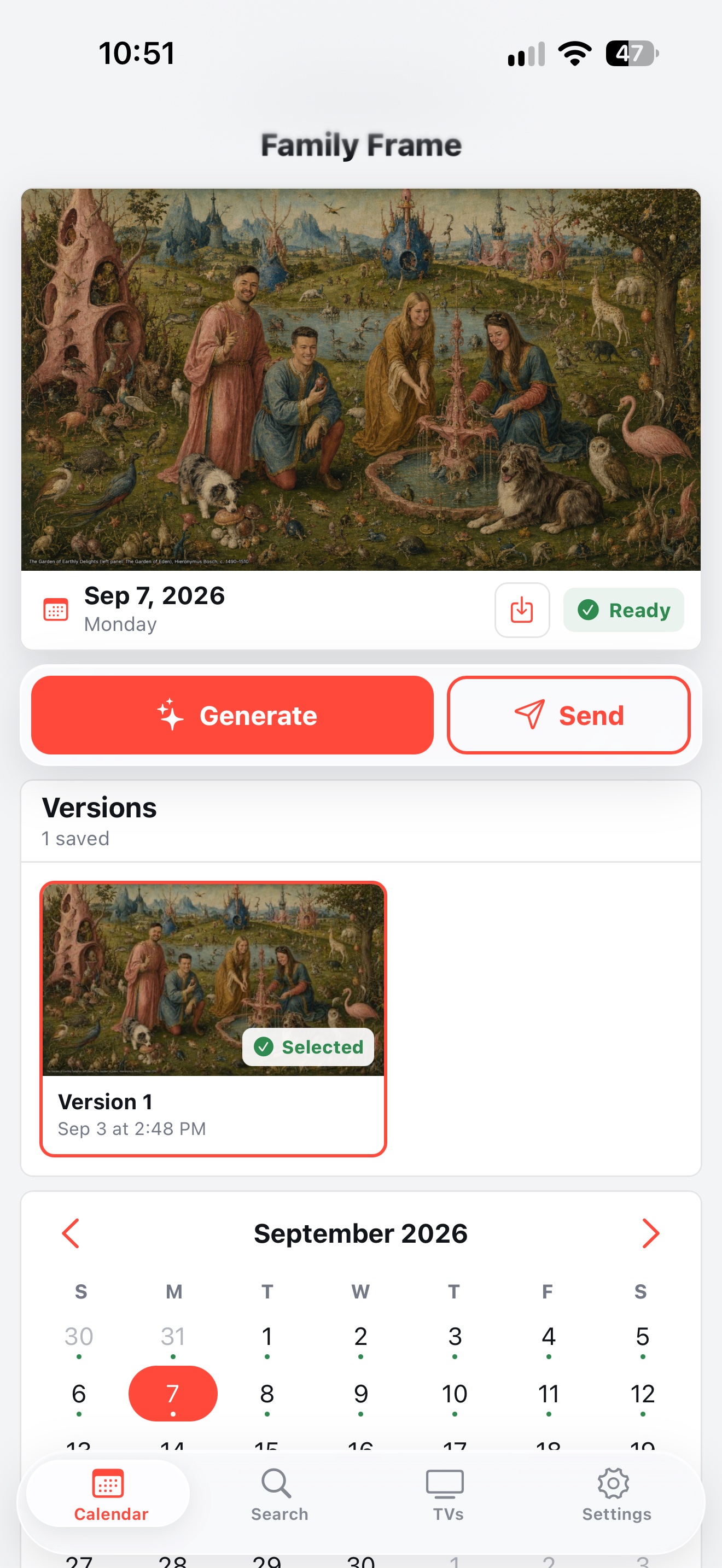
I built Family Frame for our two Samsung Frame TVs, one in my office and one in our living room. It runs on the Mac Mini in my office, which is already on all the time running Homebridge for our home automation. It gives us new custom artwork every day.

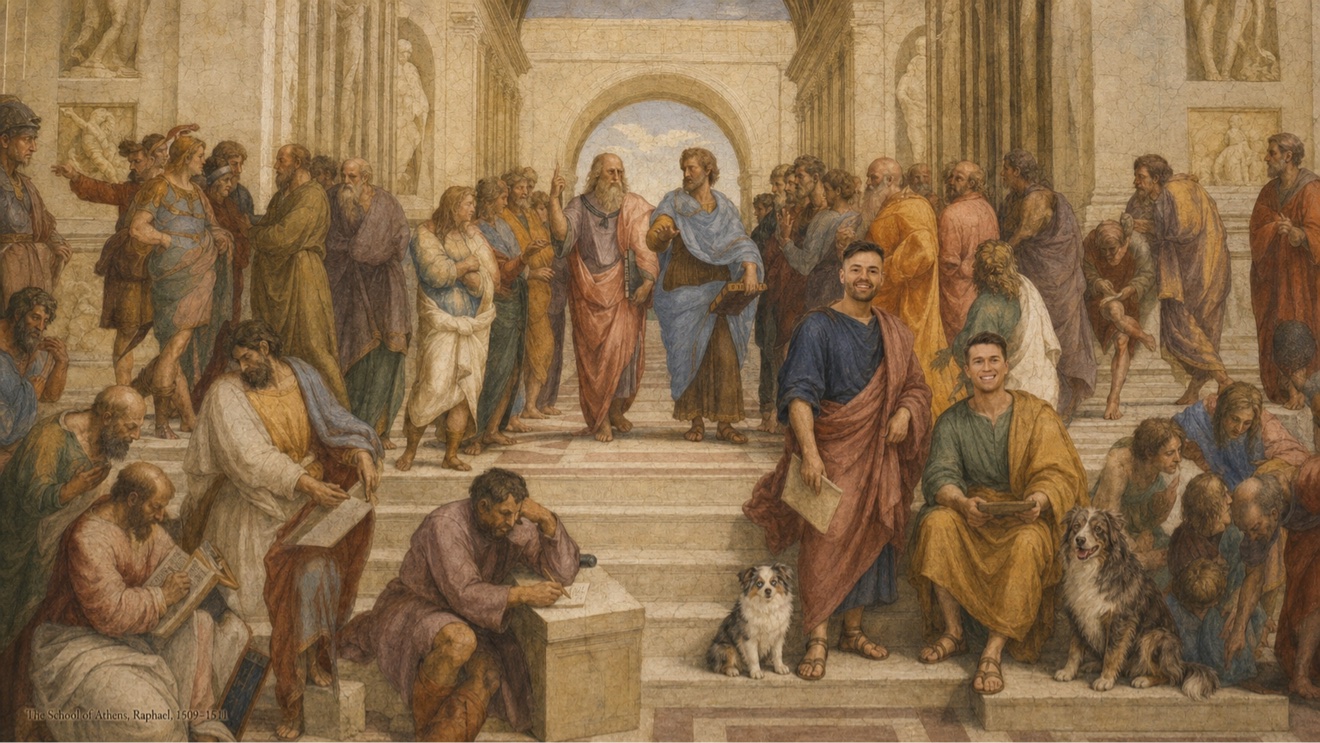
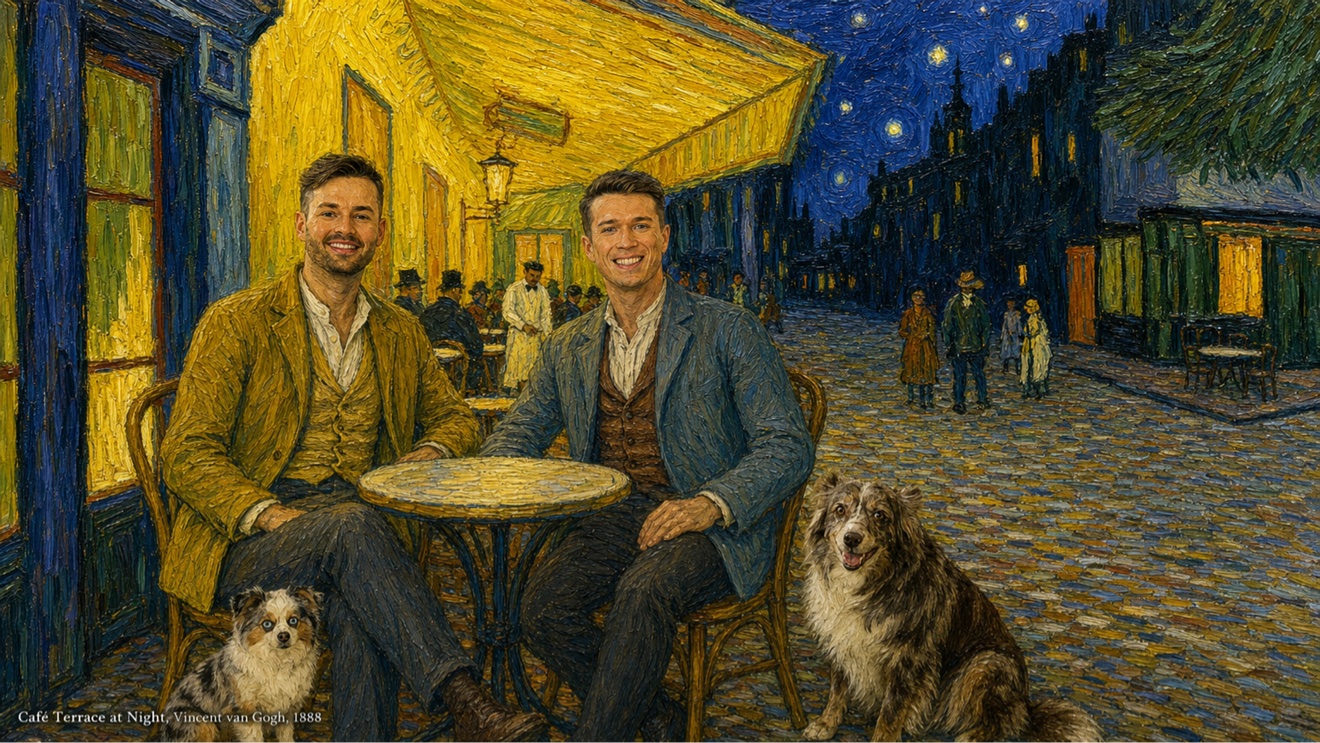
About half an hour before midnight, it picks a famous historic painting that it hasn’t used before. It uses reference photos of me, Colton, and our dogs Moby and Zoey to generate a version with us in it, matching the original painting’s style while keeping us recognizable. At midnight, the new artwork is sent to both TVs. It’s fun coming downstairs in the morning and seeing which painting we’re in that day!

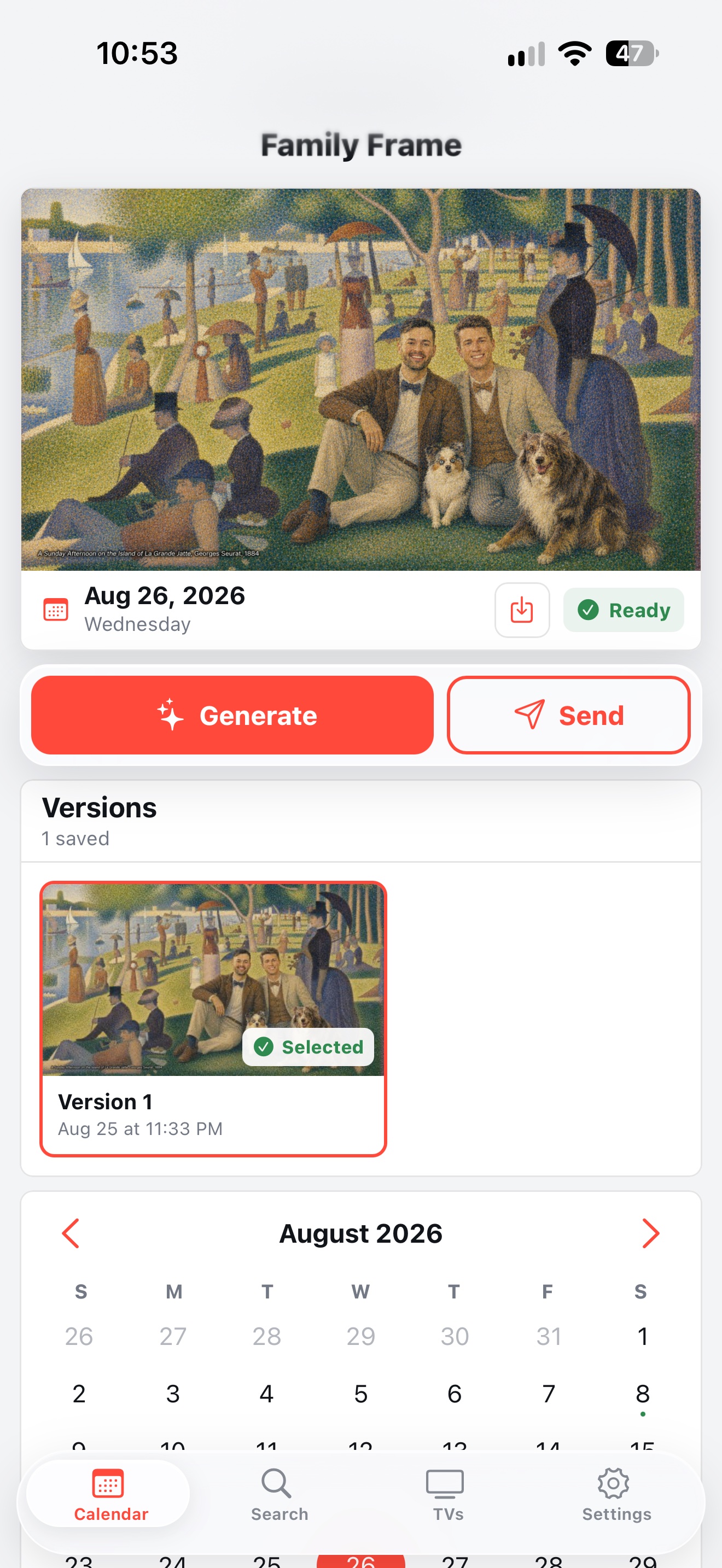
I used Codex to build a React app to manage it, which I can reach from anywhere over Tailscale. There’s a calendar where I can look back through previous days’ artwork, and I can generate and schedule pieces ahead of time.

I also added a way to include guests for specific days. I can give it some context about who’s visiting and add reference photos, and it includes them in the paintings with us. When two friends stayed with us for my birthday, I added them too, so they appeared alongside us in the artwork during their visit.

AI image generationMac MiniTailscaleReact

Sunday morning on the living room TV

1 / 9

Bedside Controller

Our bed has a vibration feature my fiancé Colton loves, but it shuts off after 30 minutes. He had to keep pressing the button on the remote to restart it. The bed also has iOS and Android apps, so I checked those, but they had the same 30-minute limit and no way to loop it.

I found the Android app’s APK and gave it to Codex, thinking that would be the easier version to take apart. I asked it to figure out which commands the app used to start the vibration, and it was able to find them.

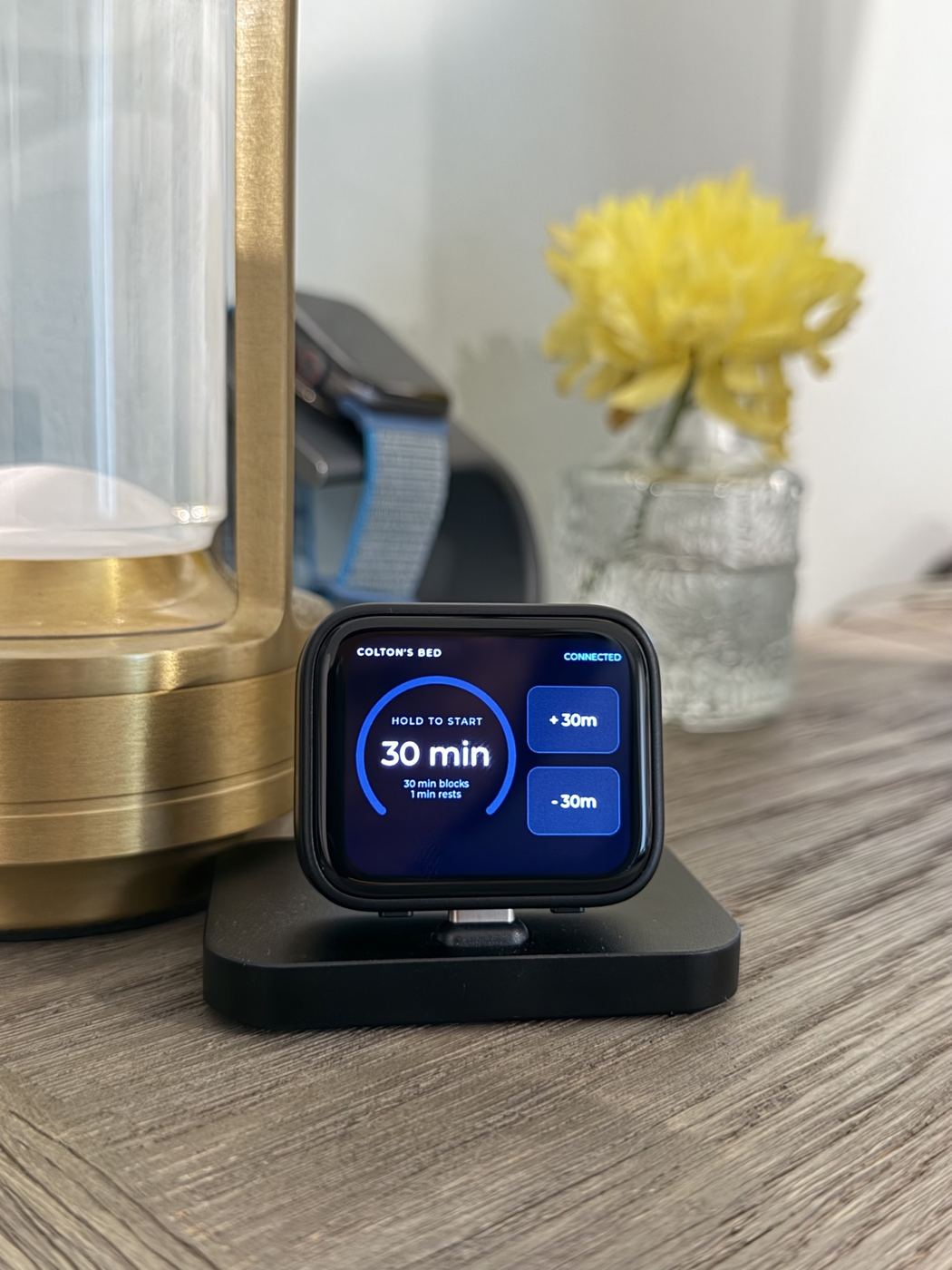
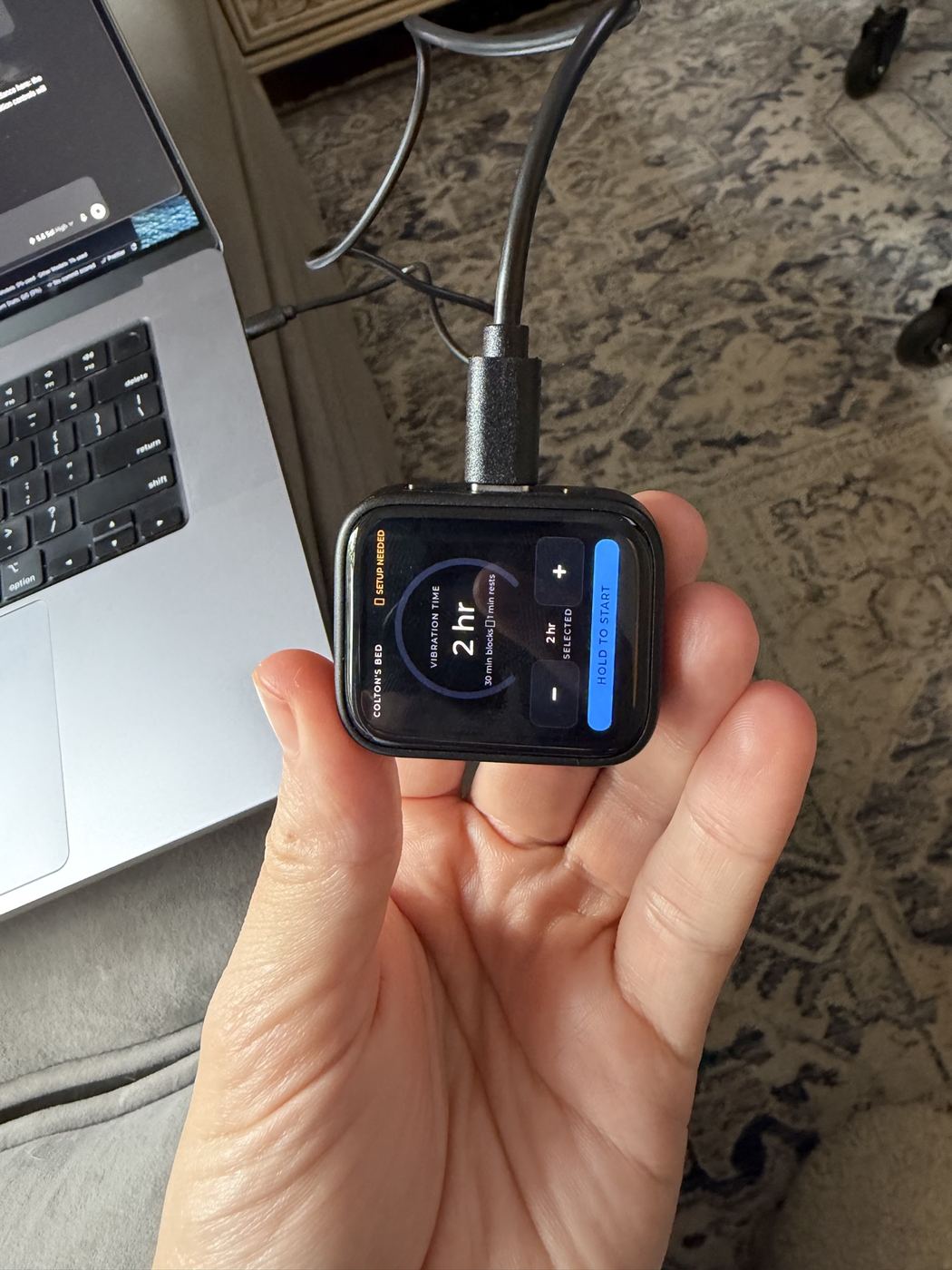
I already had a little Waveshare ESP32-S3 touchscreen that I’d bought without a particular project in mind. I asked Codex to write custom firmware for it that could connect to the bed over Bluetooth and send those same commands. Now Colton can choose how long he wants from the touchscreen, and the device sends the 30-minute commands for him!

I also added cool-off periods between those blocks. The motor gets time to rest instead of running continuously for the whole duration he’s selected.

ESP32BluetoothReverse engineeringFirmwareCodex

Docked on the nightstand

1 / 2